

Letter Formation Practice for Young Learners
Reviews
This free browser-based activity offers a calm, effective way for preschoolers to practice capital letter formation. The numbered arrows and fill-in feedback make stroke order clear without being intrusive. Children can repeat letters as often as needed, building confidence at their own pace. The simple interface works smoothly on touchscreens and computers alike, with no setup hassle. It is a solid supplementary resource for parents and educators seeking constructive screen time that supports early writing skills.
About This Game
Guided Letter Practice
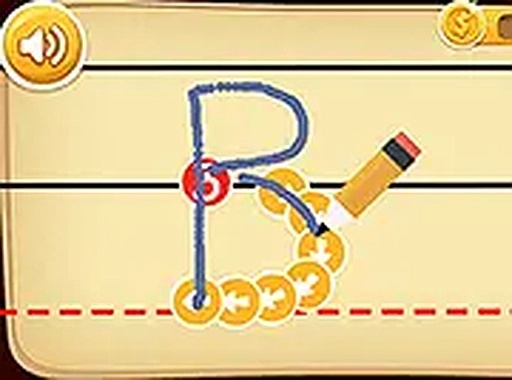
Young learners select a capital letter from a simple menu. On touchscreens, they trace with a finger; on computers, they use a mouse. Numbered arrows show the correct stroke direction. As children trace, the letter fills in, providing clear visual confirmation. Mistakes are handled gently—children can simply try again without pressure. This method builds familiarity with letter shapes and stroke order through repetition.
Designed for Independent Use
The interface is intentionally minimal. Large buttons and clear labels allow even very young children to navigate without adult help. Each letter can be practiced repeatedly, letting learners focus on challenging ones. The activity works on any modern browser, making it accessible on tablets, laptops, or desktop computers. No registration or download is required, so setup takes seconds.
Supporting Early Development
Regular tracing practice strengthens fine motor control and hand-eye coordination. The visual cues reinforce letter recognition, a key early literacy skill. By allowing children to work at their own pace, the tool reduces frustration and encourages a positive attitude toward writing. Parents and educators can use it as a supplemental resource alongside other learning activities.
Tips for Caregivers
Encourage children to begin with letters they already know to build confidence. Short, consistent sessions—even five minutes daily—are more effective than longer, less frequent ones. Celebrate small achievements to keep motivation high. A calm, distraction-free environment helps children concentrate. The tool is designed to be a supportive addition to a broader learning routine, not a replacement for hands-on instruction.
Comments
0 comments