Piano Play Music Studio
Developer
Teleport Creations
Published
2024-10-11
Updated
2026-07-04
PLAY NOW
Faq
Can I record my music in Piano Play Music Studio?
The game does not include a built-in recording feature. However, you can use external screen recording or audio capture software on your device to save your performances.
Is Piano Play Music Studio free to use?
Yes, the game is completely free to use. There are no hidden costs, subscriptions, or in-app purchases required. All features are accessible without any payment.
What devices support Piano Play Music Studio?
The game works on any device with a modern web browser, including desktop computers, laptops, tablets, and smartphones. Both Windows and Mac systems are supported.
Do I need an internet connection to play?
Yes, an active internet connection is required because the game runs directly in your web browser. Once loaded, the experience is smooth and responsive.
Can I use a MIDI keyboard with Piano Play Music Studio?
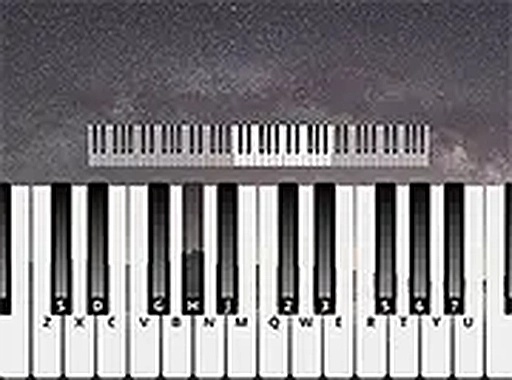
The game is designed primarily for use with a standard computer keyboard. It does not explicitly mention support for external MIDI controllers, so compatibility may vary.
Is there a way to change the volume or sound effects?
Yes, the game includes a settings menu where you can adjust the volume and select different piano sound types, such as grand piano or electric piano, to customize your experience.
Leave a Comment