

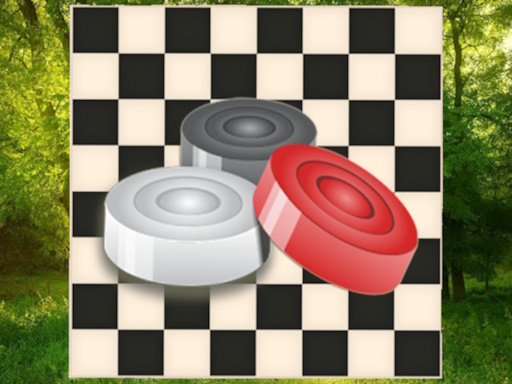
Woodland Checkers Strategy Game
Reviews
Woodland Checkers Strategy Game successfully blends classic checkers with a serene forest aesthetic. The gameplay is smooth and intuitive, making it easy for newcomers while still offering depth for experienced players. The option to play against AI or a friend adds variety. The calming visuals make it a great choice for relaxation. A solid, family-friendly strategy game.
About This Game
Game Introduction
Woodland Checkers Strategy Game offers a timeless board game experience set within a peaceful forest environment. This free online game presents the classic rules of checkers, allowing players to focus on strategic planning while enjoying a visually calming backdrop of trees and woodland creatures. The core objective is to outmaneuver your opponent by capturing their pieces or blocking their moves, promoting logical thinking and forward planning. Designed for players of all ages, this game provides a safe and engaging way to unwind. The natural theme enhances the traditional gameplay, making each session feel like a quiet walk in the woods. Whether you are new to checkers or have played for years, this version offers a straightforward and relaxing challenge. The game is accessible directly from a web browser, requiring no additional software. It is an ideal choice for families seeking wholesome entertainment that encourages mental exercise without any inappropriate content.
How to Play
Players begin with twelve pieces placed on the dark squares of the board. Moves are made diagonally forward, and capturing an opponent’s piece is achieved by jumping over it. When a piece reaches the opposite end of the board, it is crowned as a king, gaining the ability to move backward. The game continues until one player captures all opposing pieces or blocks them from moving. Players can choose to compete against a computer opponent with adjustable difficulty or invite another person for a two-player match. The interface is designed for easy piece selection and movement. The forest-themed visuals add a layer of tranquility to the classic strategic gameplay.
Game Features
This game provides a free online checkers experience with a distinctive forest theme. It includes classic checkers rules and offers both single-player against AI and two-player modes. The natural aesthetic creates a calming atmosphere, making the game suitable for relaxation. No download is required, allowing instant play from any browser. The game promotes strategic thinking in a safe, family-friendly environment. It is designed to be accessible to players of all skill levels, from beginners to experienced strategists.
Tips for Success
Regular practice helps in recognizing common patterns and traps. Controlling the center of the board often provides more mobility for your pieces. Anticipate your opponent’s moves and look for opportunities to set up multiple jumps. Protecting your back row can prevent the opponent from creating kings. When playing against the computer, start with a lower difficulty to learn the basics before increasing the challenge. Patience and forward thinking are key to success in this classic game.








Comments
0 comments